
My Own Data Center
Your machine. One interface.
Turn your existing Omarchy desktop into a self-hosted server. Manage applications, storage, virtual machines, files, and your desktop from a unified web interface.
FREE & OPEN SOURCE · YOUR HARDWARE · YOUR DATA
Support the developer
CURRENT ALPHA BUILD · LIVE FROM GITHUB
My Own Data Center 0.9.52
6aa7f7dMerge pull request #388 from TouchWorkStation/release/0.9.52Lighter live gauges, and updates from a local copy
- A server can update itself and its app store from a local copy of the source instead of GitHub (see the README).
- Live gauges for this server, its machines, apps and swarm computers come in one request, and the server only measures while someone is looking, so idle servers and computers stay quiet.
RECENT BUILDS
- 0.9.51Sturdier when files are damaged, and assistant installs that finish
- 0.9.50Remote desktop on your phone, and steadier apps
- 0.9.49Format, unmount and mount extra disks
- 0.9.48Security fixes
Open Settings → Software update in My Own Data Center to check your build, read the full changelog, and update. After an update, a What's New sheet shows everything since your last version — open it to try the new features.
PHONE / TABLET / DESKTOP
Your entire server.
In your pocket.
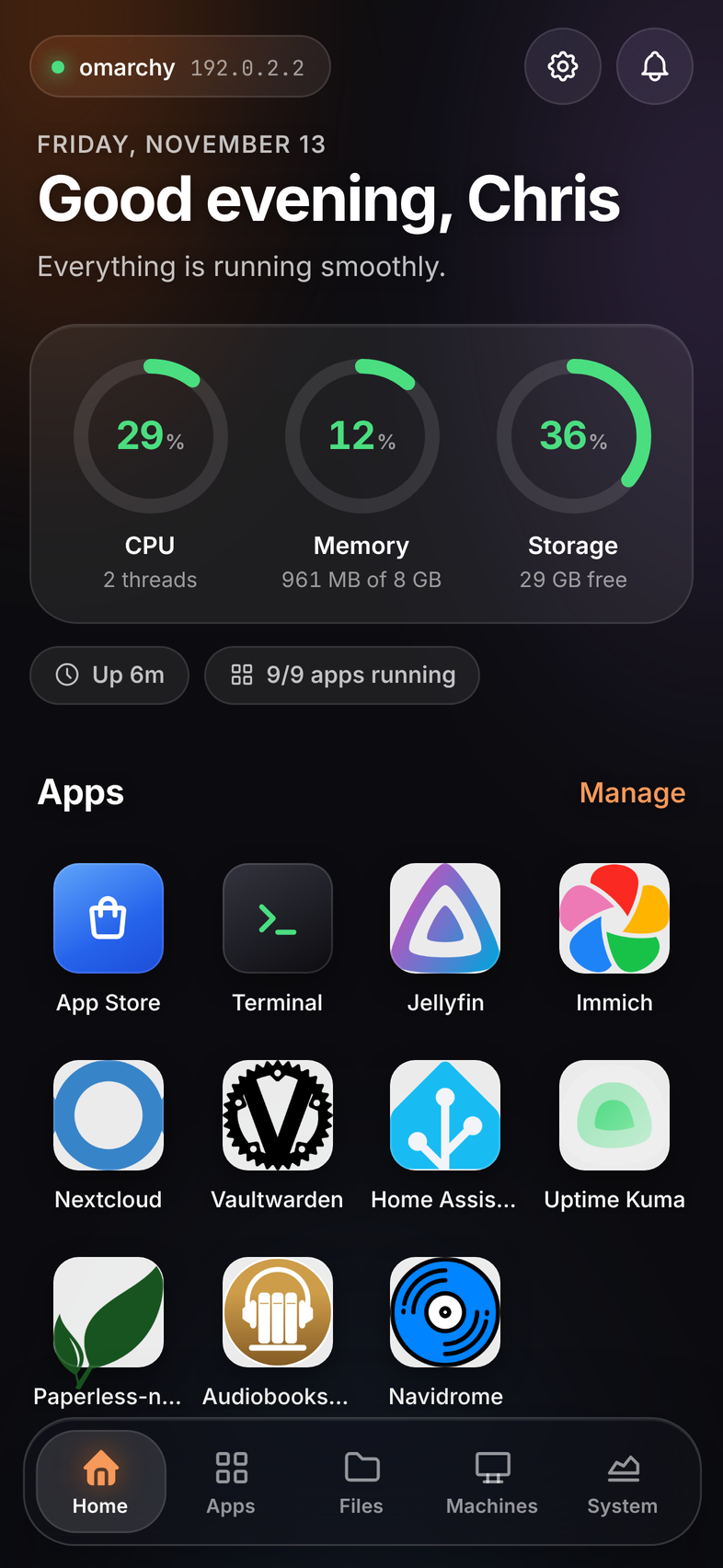
Touch-first navigation, a live server dashboard, and the same applications and files you use at your desk. Switch between phone and desktop layouts in your own server.
- Manage applications and check storage from your phone
- Browse your files and manage virtual machines
- Reach your desktop while its host graphical session is active
THE MY OWN DATA CENTER APP STORE
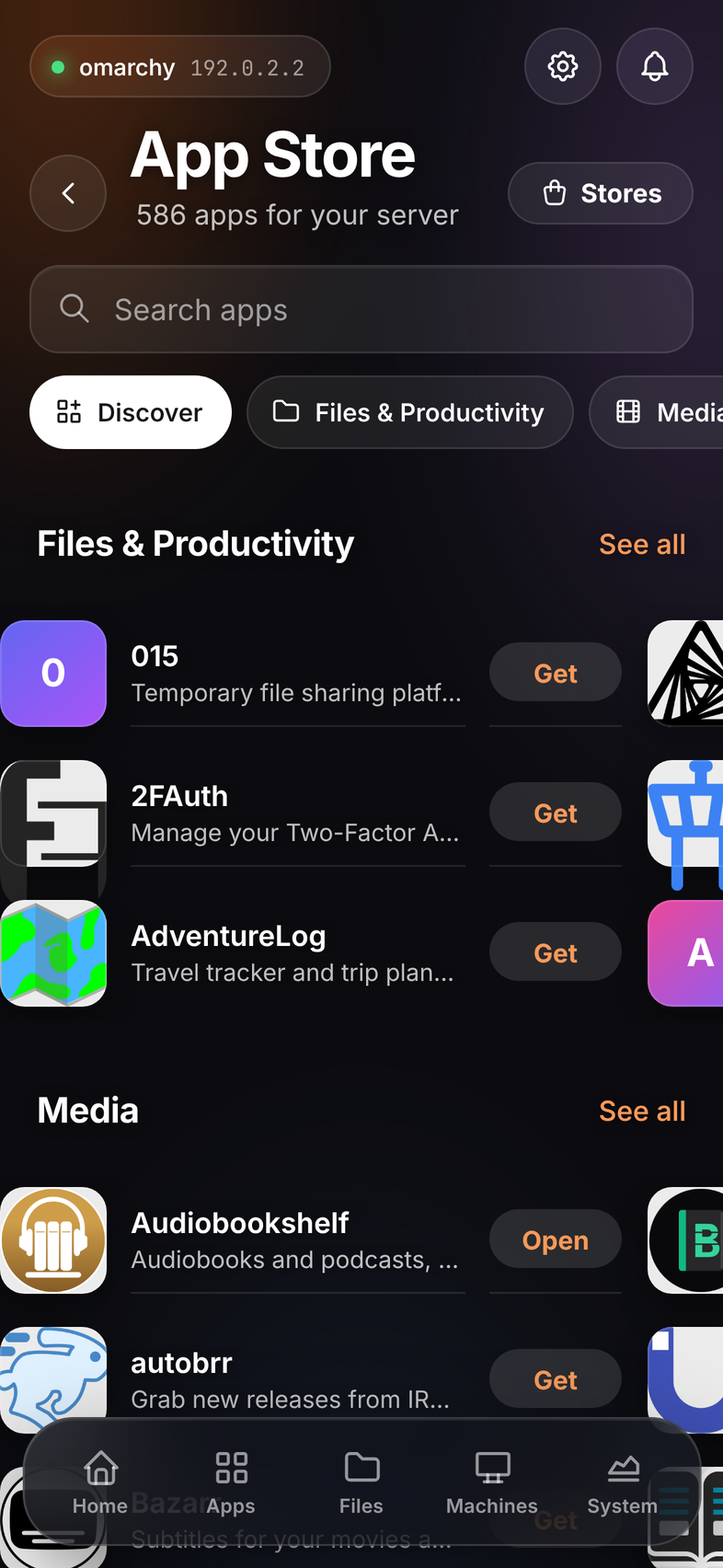
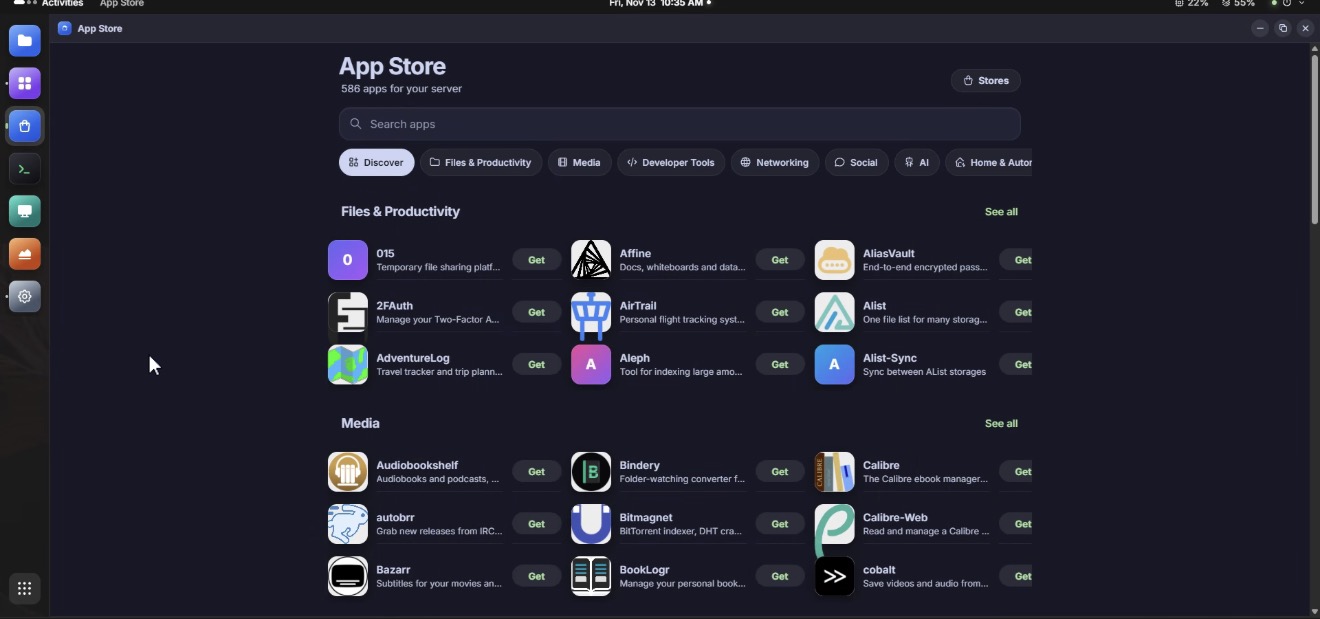
586 apps. One server.
Your photos in Immich. Your media in Jellyfin. Your automation in n8n. Explore AI, files, finance, and more across 11 categories. Docker Compose packages, managed through rootless Podman on My Own Data Center.
Plus 10 guest-system images for virtual machines, including Ubuntu, Debian, Fedora, and the Omarchy ISO.
Omarchy Plugin Repository, now included. Easily install Omarchy plugins alongside your server applications.
Browse registry-verified desktop widgets, productivity tools, and appearance plugins. Inspect the author and checked version before installing on your server.
Browse Omarchy pluginsApplications
Discover self-hosted apps, approve their permissions, and let rootless Podman do the heavy lifting.
- Search and add application stores, including Umbrel-format catalogs
- Start, stop, restart, update, inspect logs, and open an app shell
- Review requested devices, ports, networks, and host folders before installation
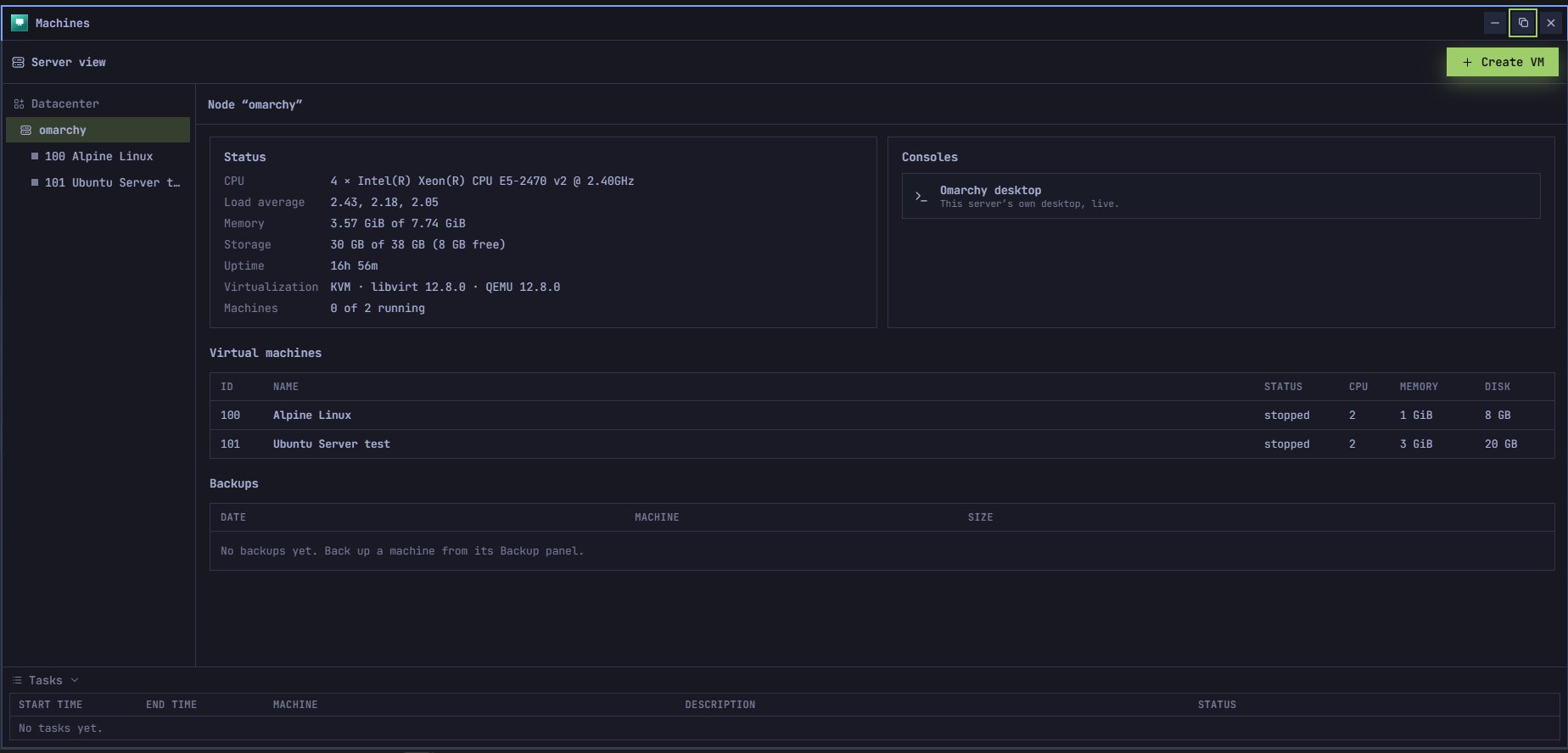
Virtual Machines
Create Linux guests or bring your own Windows installation media. Manage them through a per-user libvirt session.
- Configure CPU, memory, disks, firmware, and networking
- Browser console, snapshots, backups, clones, and restore controls
- KVM acceleration when /dev/kvm is available; software emulation otherwise
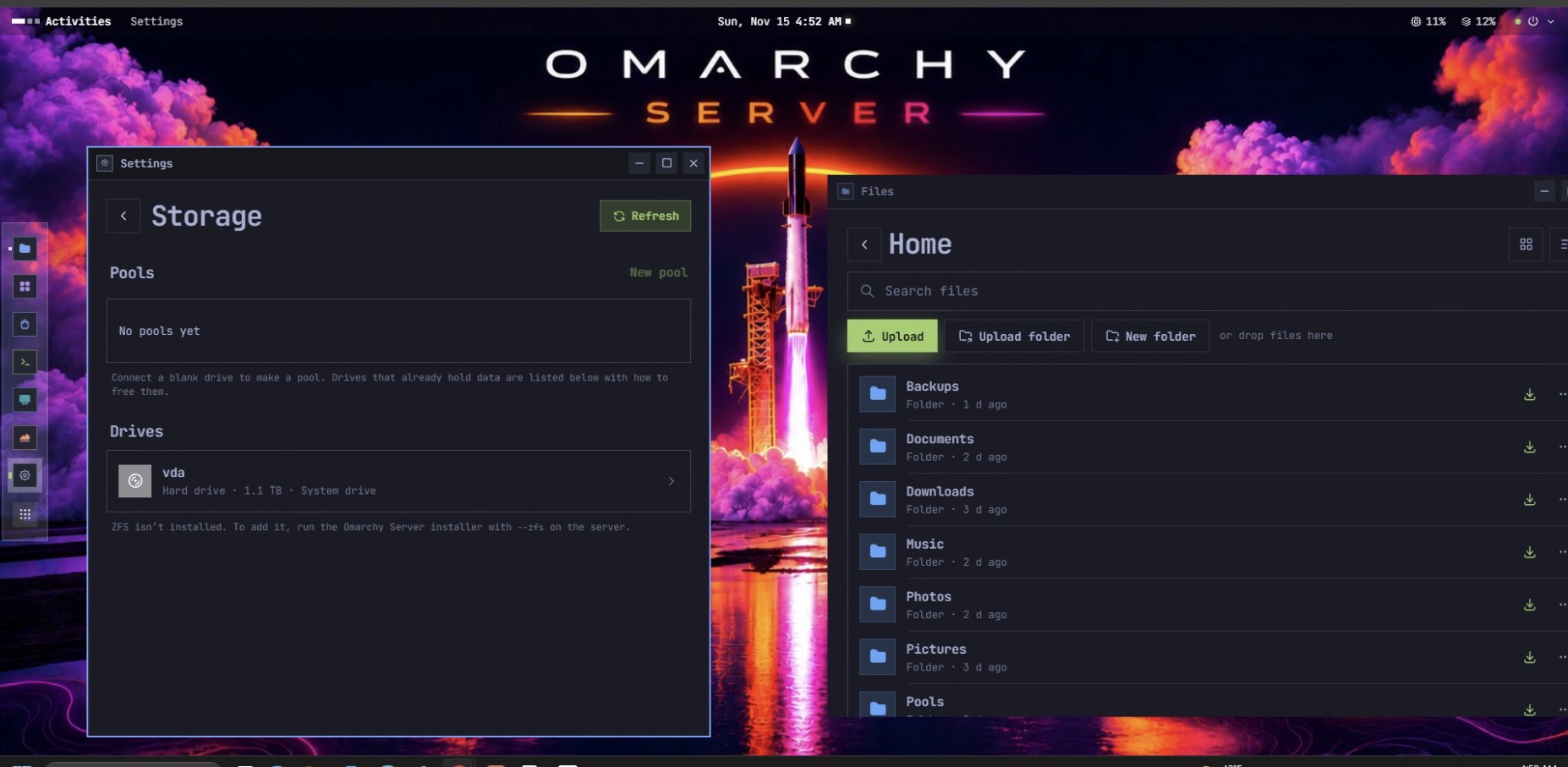
Files, Storage & NAS
Manage your real home folder, shared files, and storage pools in one interface. What you organize in the browser is what you see on your Omarchy desktop.
- Upload files and folders; download, copy, move, rename, and search
- Preview media, PDFs, documents, spreadsheets, and code
- Favorites, recents, shared Trash, SMB folder sharing, and network shares
- Btrfs combined, mirrored, and RAID 10 pools on blank drives
- SMART disk health and drive sleep timers
- Optional ZFS pools and imports with additional kernel requirements
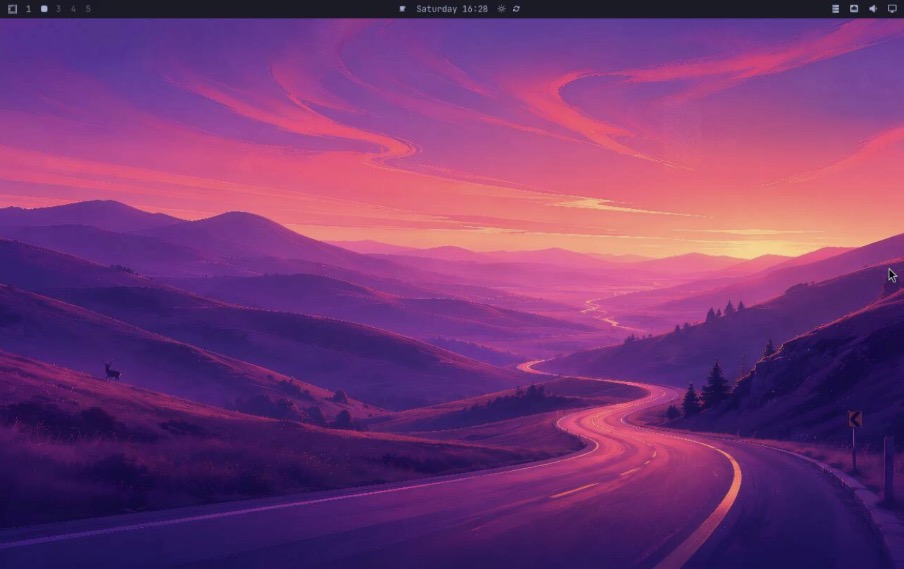
Omarchy Desktop
Reach the existing Omarchy desktop through the browser, with keyboard, mouse, touch, and clipboard controls.
- Shares the running Hyprland session through wayvnc
- Requires an active graphical session on the host
- Private screen socket and authenticated access; not a headless desktop replacement
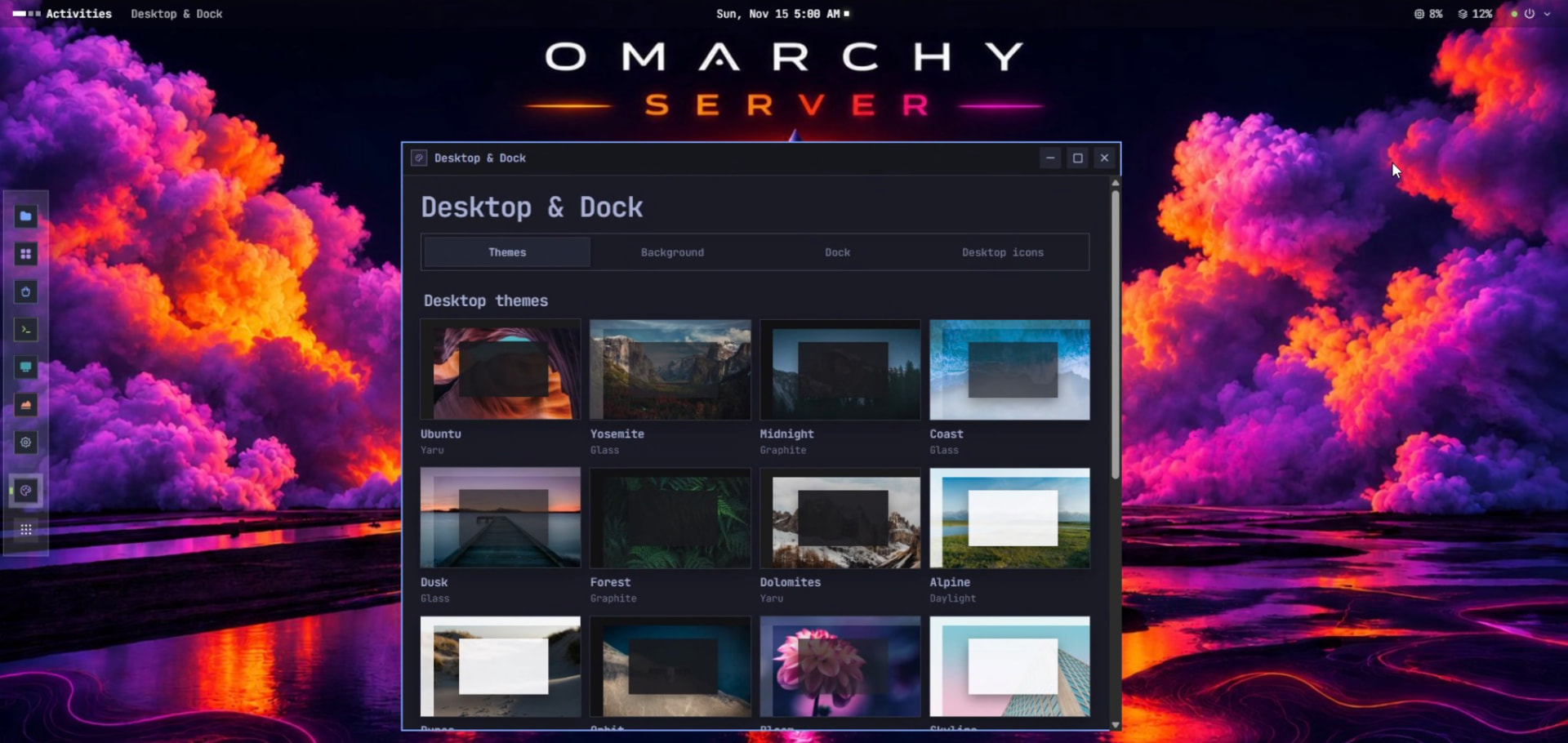
Customizable Workspace
Choose themes, accents, and wallpapers. Arrange a browser workspace with a launcher, desktop icons, and windows you can drag, snap, and resize.
- Dock positions, icon sizes, floating and auto-hide settings
- Omarchy themes and backgrounds, or your own photo
- Wallpaper, dock, and desktop icons saved to your local account
Your hardware. Your data. Your control.
Local account. Local data.
Create your account on the host. Passwords are scrypt-hashed; sign-in throttling, optional authenticator-based two-factor authentication, and device sign-out controls are implemented.
Explicit application permissions.
Applications run as your user through rootless Podman. Review requested devices, ports, networks, and host folders before installation. Isolation does not replace careful permissions and updates.
Remote access, deliberately.
HTTPS is supported using the host’s certificate authority. Trust it on your devices, or configure a trusted tunnel or VPN. HTTP is unencrypted; do not expose the dashboard port directly to the internet.
Install on Omarchy
Already running Omarchy? Install directly onto your existing system. Keep your desktop. Add a server. This is an installable layer, not a standalone OS or ISO.
Use an x86-64 Omarchy host, an internet connection, and your normal user account with sudo access. The installer adds dependencies, builds the interface, and starts the user services.
Read the installation guidecurl -fsSL https://raw.githubusercontent.com/TouchWorkStation/omarchy-server/main/install.sh | bashRun as your normal user, not through sudo bash. Review the script before executing it.
Create your account in the host terminal, then open http://YOUR-SERVER-IP:7780 on your local network.
CLOUDFLARE TUNNEL
Remote access, already configured
Cloudflare Tunnel configuration works today with user-managed setup. Linking your own personal domain through My Own Data Center is coming soon. Protect your account and review the access rules before connecting remotely.
COMMUNITY
Contributors
The people building My Own Data Center.
Loading…